
How Many Pictures Do You Need for a Funeral Slideshow? (The Perfect Formula)
Short answer: most funeral slideshows use 50 to 60 photos. That is what fits one song at a comfortable pace. Two songs takes about 100 to 120 photos, three songs takes 160 to 180. If you only have thirty photos, you can still have a beautiful tribute, and this page will show you how.
The rule behind every number: 3 to 4 seconds per photo
All of the counts on this page come from one number. A photo needs 3 to 4 seconds on screen. Any less and the room cannot take it in, especially older guests and anyone seeing a face they have not seen in years. Any more than about 6 seconds and the pace goes flat and people start to shift in their seats.
So the real question is not how many photos you have. It is how long you want the video to run. Choose the length first and the photo count follows.
The cheat sheet
3 to 4 minutes, about one song: 50 to 60 photos
5 to 6 minutes, about one and a half songs: 85 to 105 photos
7 to 8 minutes, about two songs: 120 to 140 photos
10 minutes, about three songs: 160 to 180 photos
These are comfortable counts, not hard limits. A few photos either way will not hurt anything. If you are not sure how long the video itself should be, read How Long Should a Funeral Slideshow Be first, then come back here for the count.
Pro Tip: If you have more photos than music, don't speed up the photos! Add another song or use silence at the beginning/end for a moment of reflection.

If you have far more photos than that
This is the usual situation, and it is a good problem to have. Two things help.
Cut the near duplicates first. Four photos from the same afternoon become one. This alone often removes a third of the pile without losing a single memory.
Then choose for range, not for quality. One photo from each decade, each home, each person who mattered. A slideshow that covers a whole life in fifty photos beats one that covers three good vacations in two hundred.
If the extras still matter to the family, a second longer version can loop at the visitation while guests arrive. Nobody has to choose between them.
If you have far fewer
Thirty photos is enough. Twenty is enough. We hold each image a little longer, add gentle movement across the frame so a still photo does not sit dead on screen, and let the music carry the space between. Families are often surprised at how full a short tribute feels.
Home video clips count too, and they buy back a lot of time. Thirty seconds of footage does the work of eight photos.
Put them in order, do not shuffle
Random order is the most common mistake, and it is the one guests feel without being able to name it. A life has a shape. Give the video the same shape, in three parts.
The early years. Childhood, parents, the young face nobody in the room has seen.
The middle. Marriage, work, children, the house, the years that took up the most life.
The legacy. Grandchildren, later gatherings, the last good photo everyone remembers taking.
Ending on the recent years is deliberate. It leaves the room with the person they knew.
Old prints and phone photos
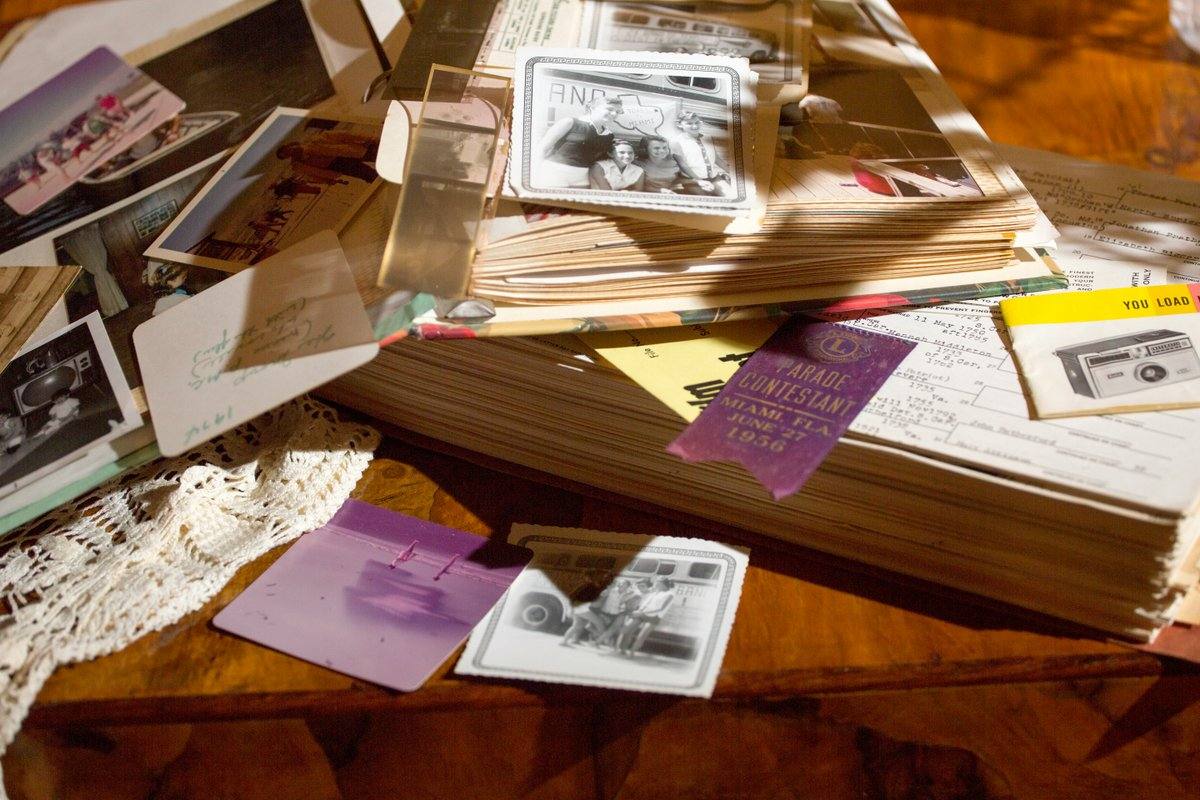
You do not need perfect images. Faded prints, creased corners, photos still behind glass in a frame, a photo of a photo taken on a phone at the kitchen table: all of it can go in, and most of it can be cleaned up. Send what you have and let us tell you what needs work.
Two things genuinely help. Scan or photograph flat, with the print filling the frame. And do not crop before you send. We would rather crop it ourselves than lose the edges.
About the music
Music sets the length, so choose it early. Most families pick songs that meant something to the person, and if that is a well known recording, using it at a private family service is the family's own decision to make. We do not clear or license commercial recordings, and no video company can do that for you.
If you would rather not think about it, we keep a royalty free library you can choose from as a paid add on, and that music comes with the proper usage permit.
Common questions
How many photos is too many for a funeral slideshow?
Past about 200 photos the video runs beyond ten minutes and a seated room starts to drift. If you have more than that, make a shorter version for the service and a longer one to loop at the visitation.
How many photos do I need for a 5 minute slideshow?
Around 85 to 100. Five minutes is 300 seconds, and at 3 to 4 seconds each that lands just under a hundred images.
How many photos for a 10 minute slideshow?
Around 160 to 180. Ten minutes suits a celebration of life or a looping visitation video better than a formal service.
Can we include video clips as well as photos?
Yes, and we encourage it. A short clip of a voice or a laugh does something no photo can. Send the clips and we will place them where they land best.
What if some of the photos are blurry or damaged?
Send them anyway. Most damage can be improved, and a meaningful photo in imperfect condition is worth more to the room than a sharp one nobody recognizes.
We can do the counting for you
You do not have to arrive with the right number. Most families send us everything they have, and we tell them what fits, what to cut, and what is missing. Upload the photos through our private portal and we will come back with the plan.
Talk to us about your tribute, or see the memorial packages.